
Free AI Product
Photography
Upload up to four photos of the same product, taken on a phone if you like, and get it back on a clean studio backdrop: white for marketplaces, a soft gradient, dark or a textured wall, or a backdrop photo of your own.
Use clear product images with good lighting. Remove busy backgrounds. Works with any product: cosmetics, electronics, food, jewelry, furniture, and more. AI generates professional product photos with perfect lighting and backgrounds.

Use clear product images with good lighting. Remove busy backgrounds. Works with any product: cosmetics, electronics, food, jewelry, furniture, and more. AI generates professional product photos with perfect lighting and backgrounds.
Start creating professional product photos with AI today
How to make AI product photos

Upload your product
Add up to four photos of the same product, from different angles if you have them. A phone photo on a table is enough. If the product fills only a small part of the photo, it is enlarged first.

Choose the backdrop and the light
Pick a soft gradient, pure white, dark or a textured wall, or upload a photo of your own backdrop. Then choose soft, dramatic, natural or rim light, and a square, portrait, landscape or 9:16 ratio.

Generate and download
Make one to four photos at a time. Each photo costs 4 credits at 2K or 5 at 4K, and the total is shown before you start.
Your photos, and the few choices that set the shot.
What goes into an AI product photo
Explore all virtual try-on tools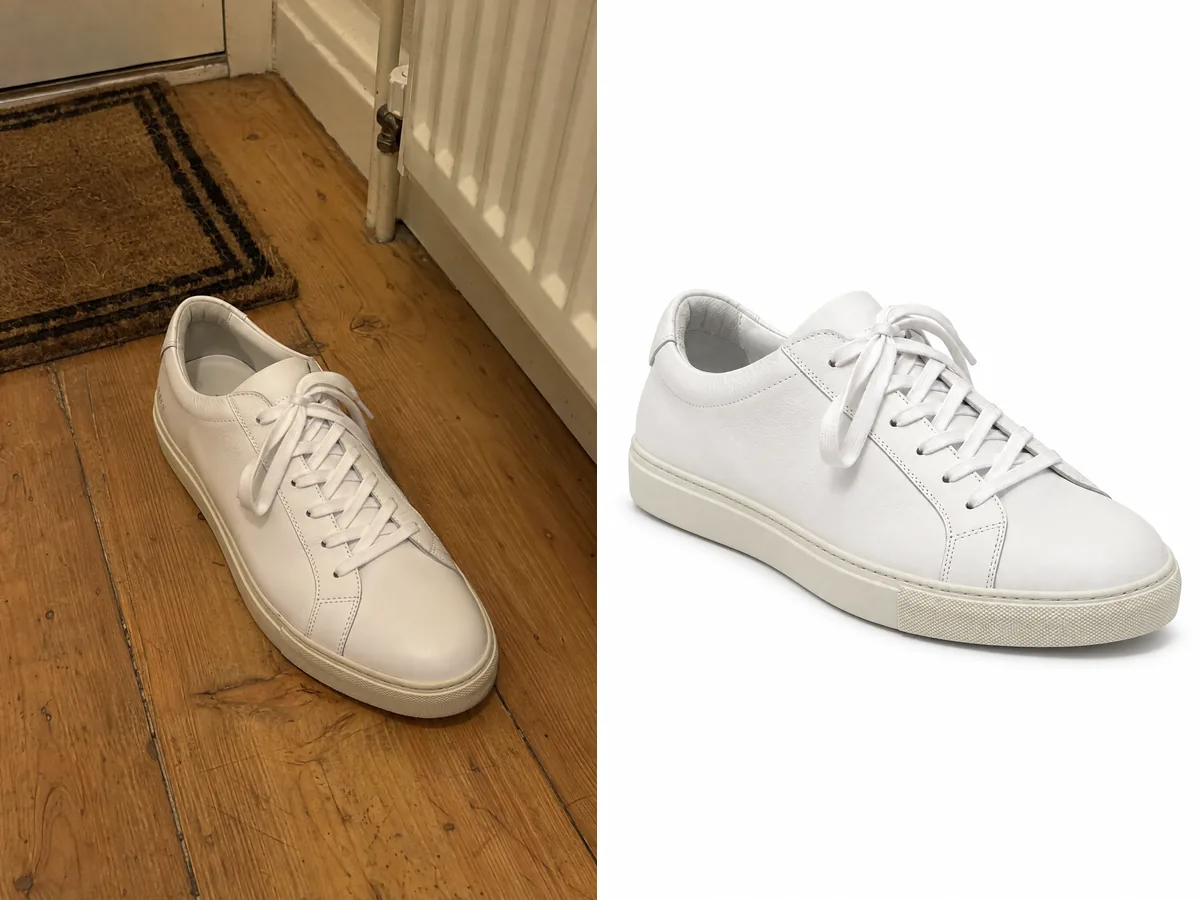
Your photos describe the product
Photta does not describe your product to the AI in words. Your photos are the only description it gets, so the shape, colours and label come from what you upload, and several angles of one product are read as one product.
Get Started FreeFour backdrops, or your own
A seamless soft gradient, pure white for main images, dark with one focused light, or a matte textured wall of concrete, plaster or stone. Upload a photo of a backdrop and it is used instead.
Try It Now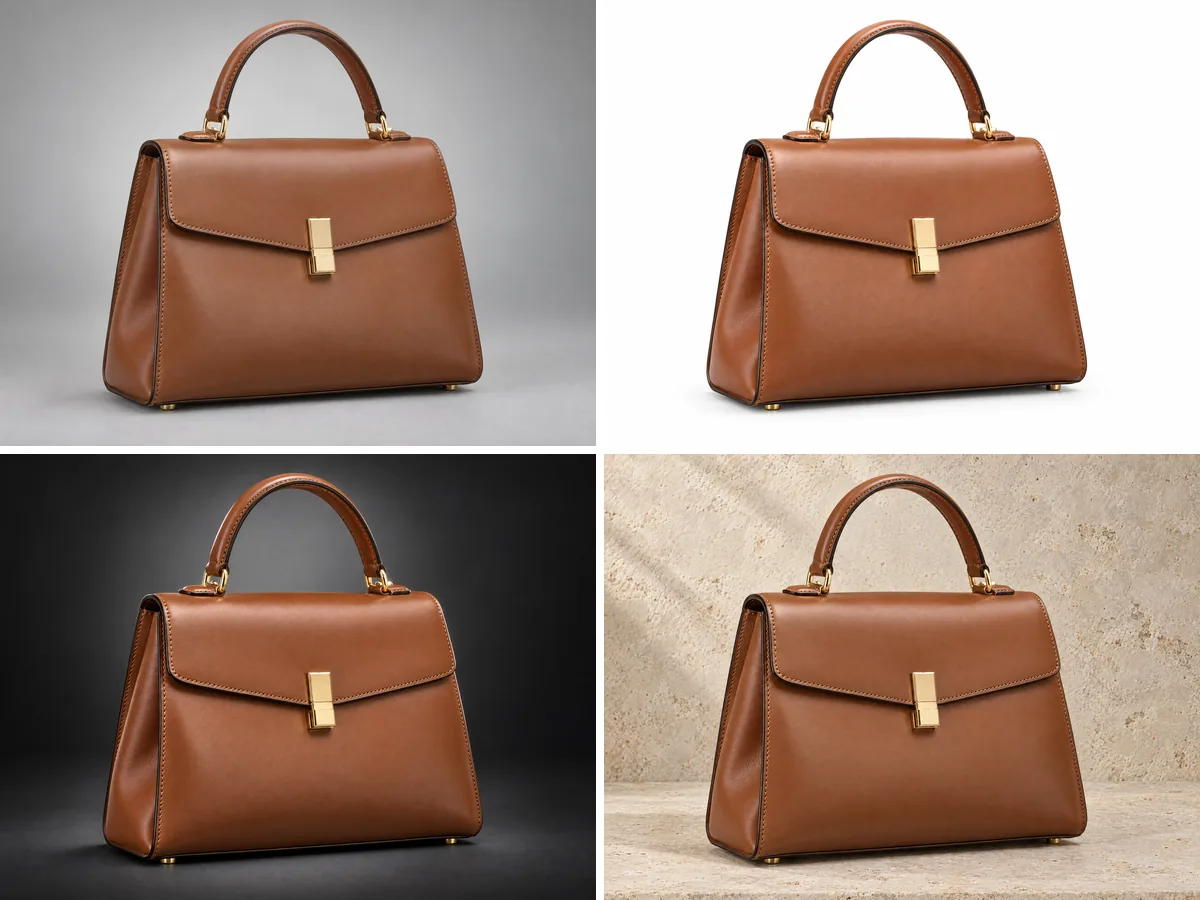
Light that suits the product
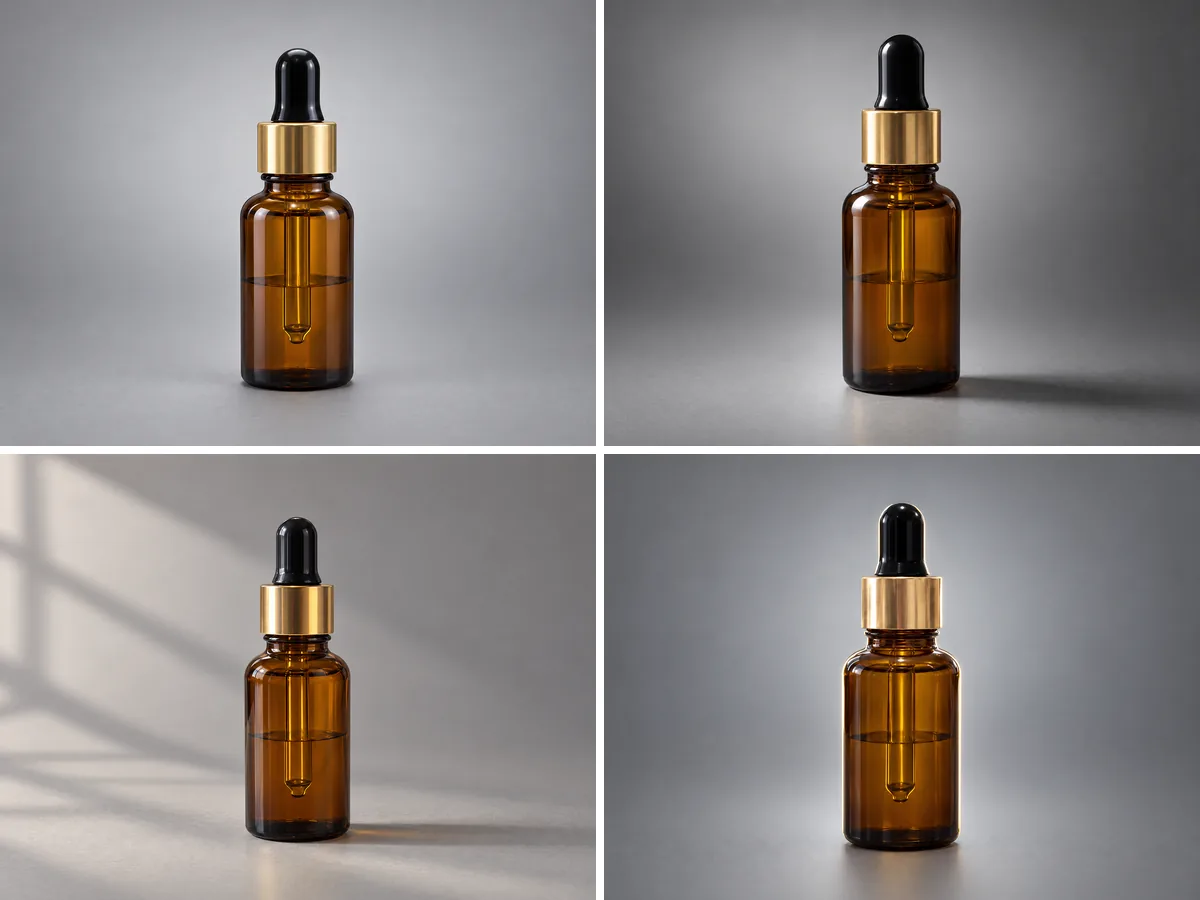
Soft studio light with open shadows, dramatic light with defined shadows, window-like daylight from one side, or a rim light that outlines the product, with a soft light from the front.
Explore FeaturesMore for product sellers
Other product photos from the same upload, and what they cost.
Use Cases
Who uses AI product photography
Product photos without a studio, a photographer or a retoucher.
Marketplace sellers
A pure white backdrop for the main image on Amazon, eBay or Etsy, and the same backdrop, light and ratio for every product you list.

Online stores
Product pages on Shopify, WooCommerce or your own shop where every item sits on the same backdrop and light, made from photos taken on a desk.

Cosmetics and beauty brands
Bottles, jars and tubes on a soft gradient or a textured wall, with the label taken from your photo.

Bags, shoes and watches
The studio shot works for any product, and the Studio has its own bag, shoe and watch jobs when you want shots made for them.

Home, kitchen and electronics
Lamps, cookware and gadgets on a dark backdrop with dramatic light, or soft and bright on white.

Developers and platforms
The product photo jobs are also part of the Photta API, paid in the same credits as the app.

AI product photography questions
Everything you need to know about AI product photography in 2026
Still have questions?
Contact SupportReady to Transform Your Fashion Business?
Join thousands of brands using Photta's AI tools